Get Started
How to sign in to Lockwood Broadcast Group Uploader and send your files.
Signing In
Your username is in the email that told you about your account. Set your password from that email's link, then sign in. The link works once, until the time its email states; if it has expired, ask your administrator (lbnoceng@lockwoodbroadcast.com) for a new one.
Too many failed sign-ins, or bad reset links, from one address lock sign-in for a set time.
If an administrator reset your password, use the link in the email titled Your Password Was Reset. You can only sign out until you set a new password.
If no reset email arrives, check your spam folder. Requests are limited, so wait a while before asking again.
FAQs
Please check here for the files and formats we can accept (after you sign in).
Your file specs do not meet minimum requirements for your workflow. Please re-export your file with the proper settings. If you think your file is correct, please contact lbnoceng@lockwoodbroadcast.com.
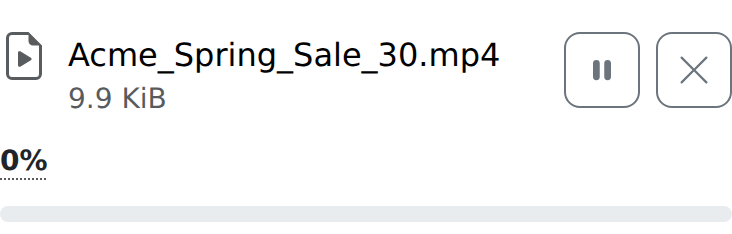
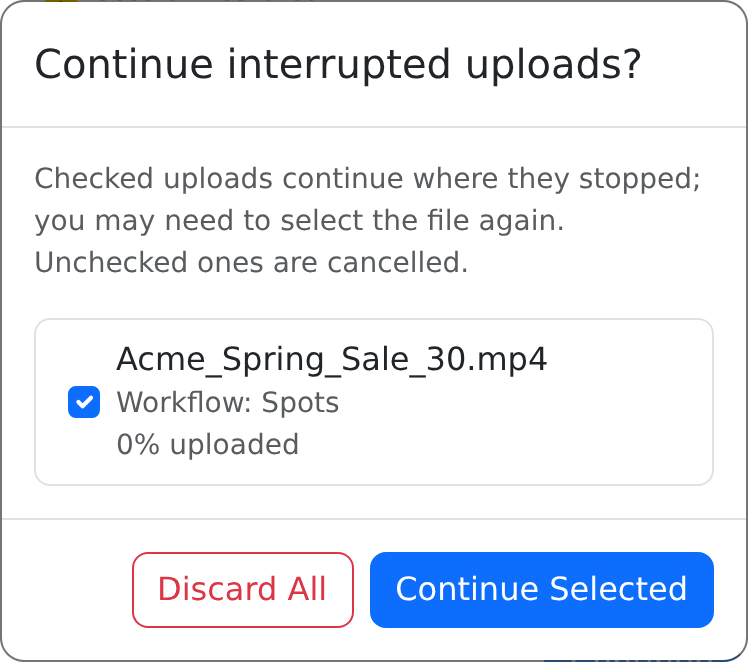
Yes, you must remain on this page during the upload. If you navigate away or reload, your upload will be paused. You can manually resume any stopped files where they left off.
Yes, you can pause or cancel an upload at any time. Cancelled uploads cannot be resumed.
Click Continue Selected and select the original file. The file must be the exact same file. You may resume an interrupted file for up to 24 hours.
These are assigned by the site admins. Please contact lbnoceng@lockwoodbroadcast.com if you need to update your assignments.